PRODUCT CONTROLS
Color profiles
Choose a creative profile, then adjust exposure and contrast.

Choose a film profile, then shape color, grain and halation.
YOUR WORKFLOW
PRODUCT CONTROLS
Choose a creative profile, then adjust exposure and contrast.
PRODUCT CONTROLS
Tune grain amount and size to shape the texture.
PRODUCT CONTROLS
Shape the highlights with the halation controls.
Adobe + DaVinci · Mac + Windows
Recorded native FilmOut output · Grain and halation detail crops. Highlights footage: Andre Taissin / Pexels.
Compare footage before and after FilmOut processing. Move the divider to see the look change.
The same footage, framing and timing. FilmOut creative profiles change through this film-print reel.
Recorded native FilmOut still
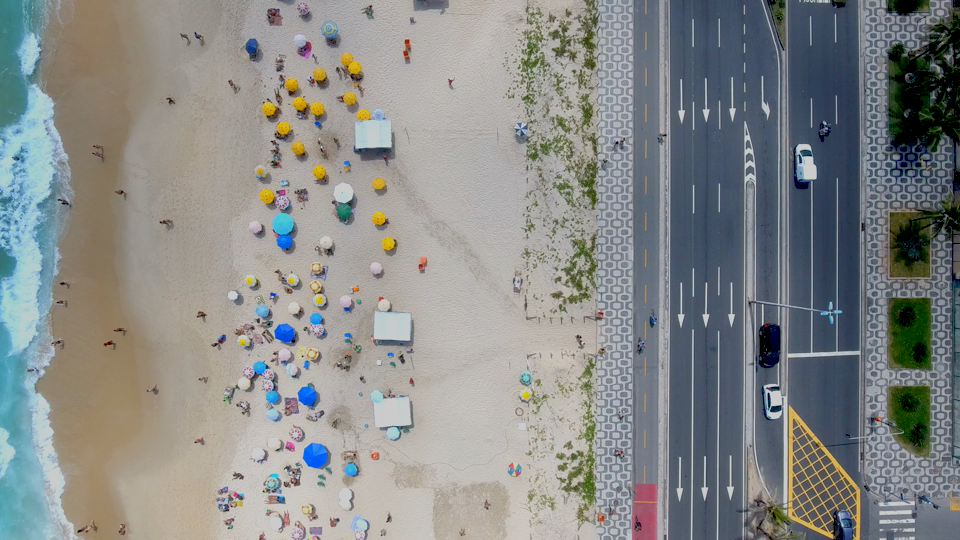
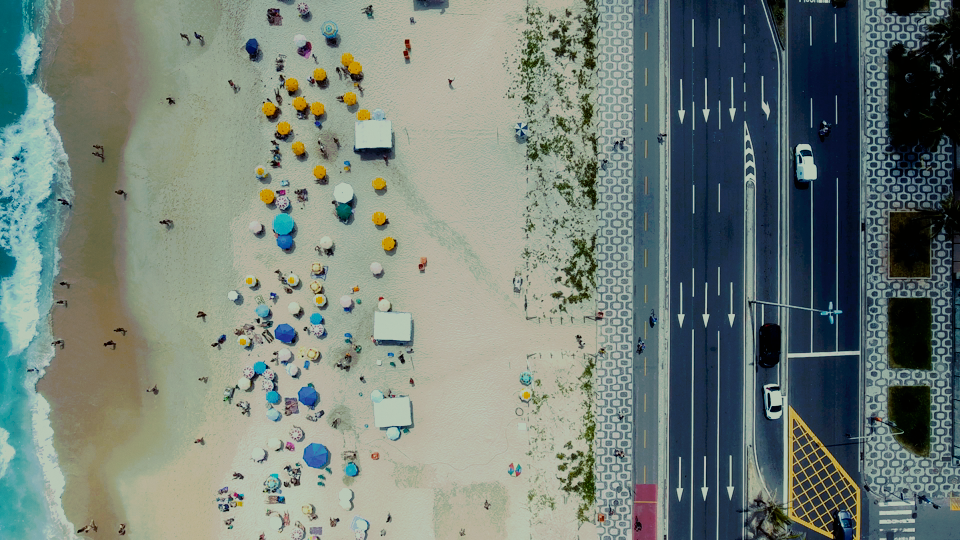
Five film profiles. Same source frame. Recorded digital emulation.
BUNDLE & SAVE
2 tools $129·3 tools $159·4 tools $199
Add one more: 3 tools for $169
PROFILE. LIGHT. TEXTURE.
Choose a film profile, adjust exposure and contrast, then tune grain and halation. Compare the original shot with the FilmOut look.
Get FilmOut ↗
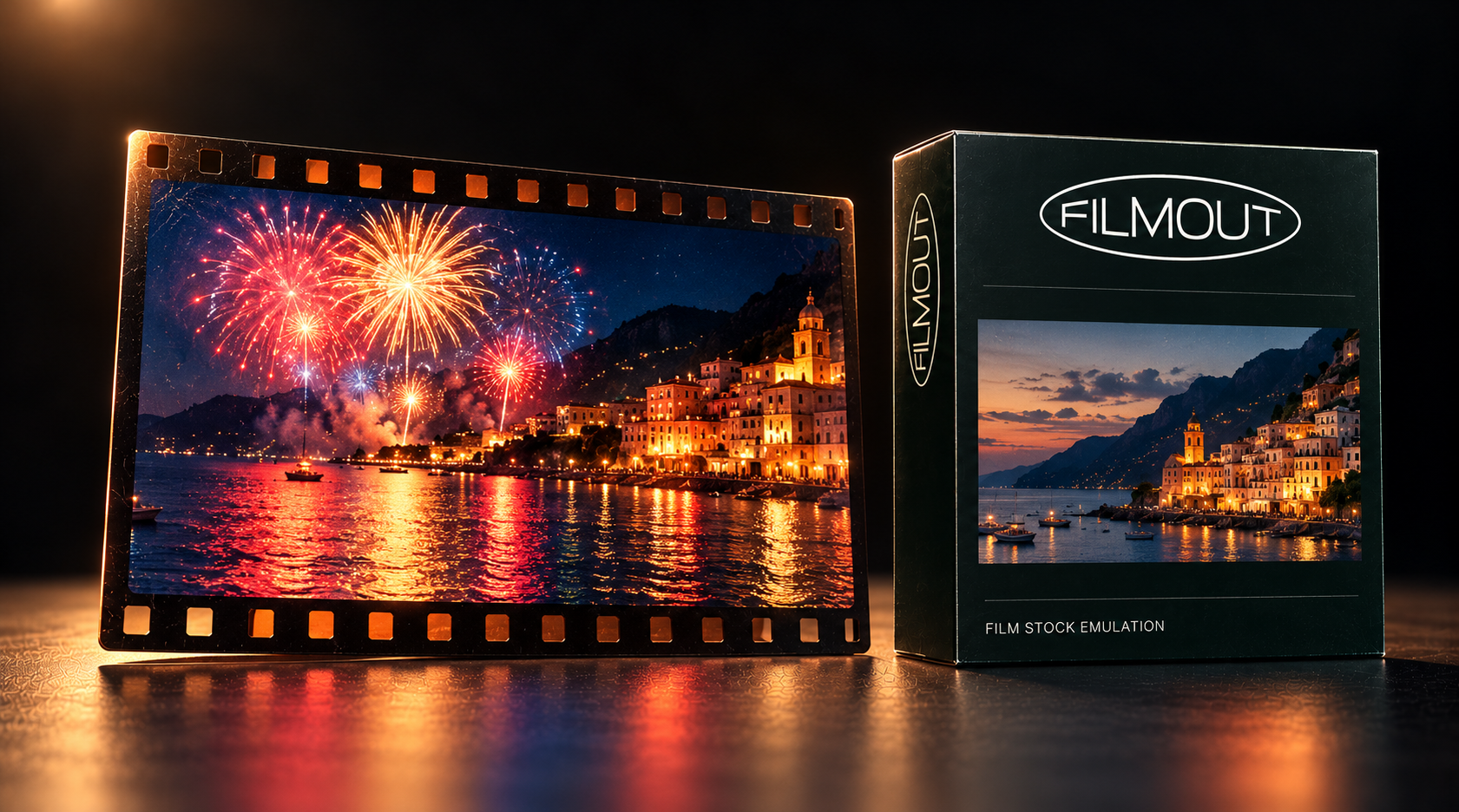
FilmOut combines film-inspired digital color profiles with grain and halation controls.
The comparison preserves the same source and framing. Labels identify the selected FilmOut profile.
Set grain amount and size to bring texture into the image.
Choose a film-inspired color profile, then shape texture and highlights for your edit.
THE FREE PACK
4K film burns, grain, dust, scratches, light leaks and more. Ready for your next edit.
FilmOut includes Adobe and DaVinci plugins for Mac and Windows. See Downloads for installers and setup instructions.
One Adobe + DaVinci package for $89. Color, grain and halation are controls in that package, not separate editions.
One payment. Two devices per product. License details.
Your existing purchase retains its original product and format rights. Contact support for the options that apply to your order.
Use the downloads page and installation instructions supplied with your purchase.
Follow the download and activation instructions supplied with your purchase.
PROFILE. LIGHT. TEXTURE.
Adobe + DaVinci · Mac + Windows · One payment.
ALSO FROM FACEWORLD