PRODUCT CONTROLS
Choose a display
Start with one of eight display models.

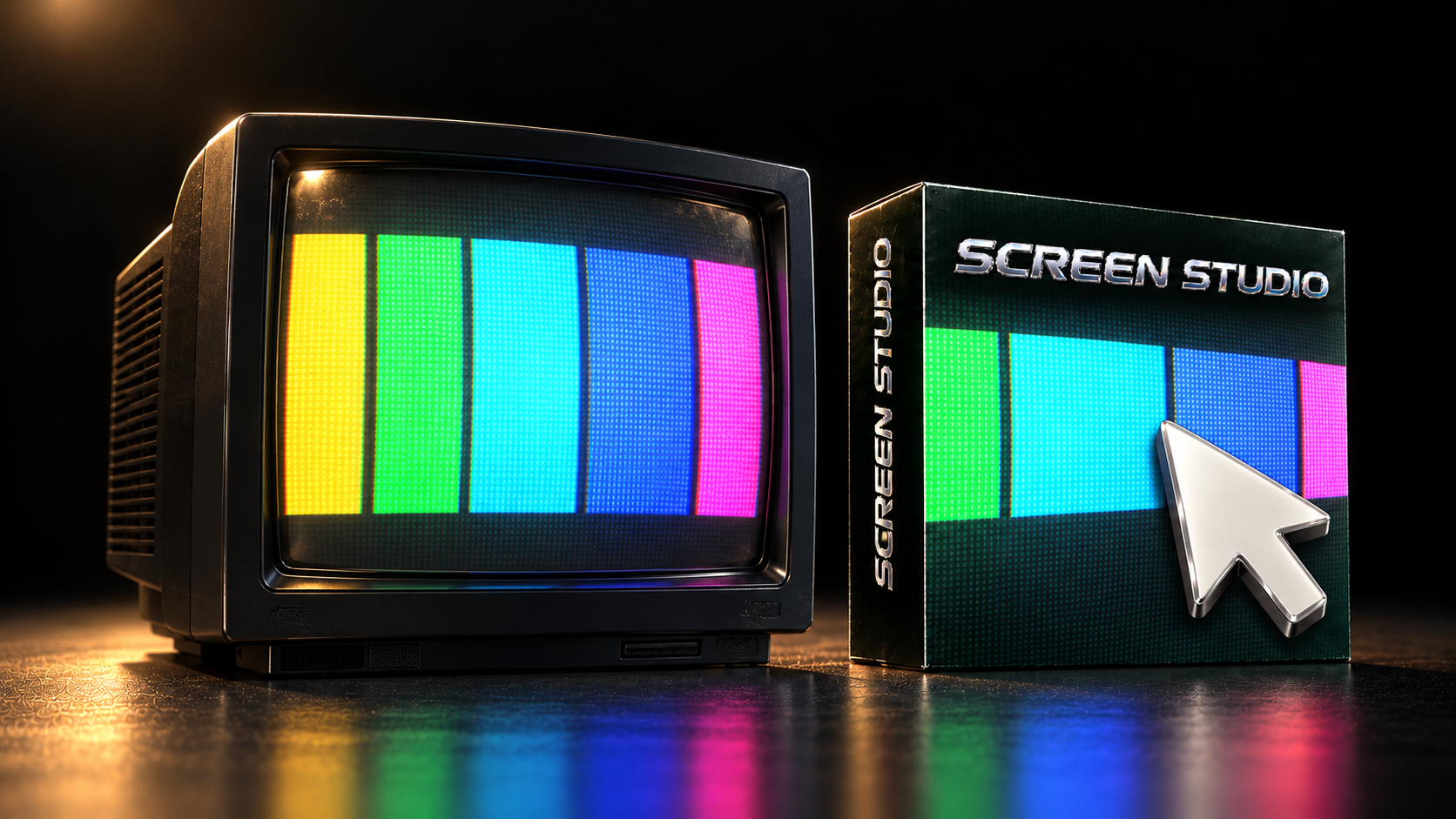
Emulate filming a display: screen texture, glow and glass, with camera movement.
YOUR WORKFLOW
PRODUCT CONTROLS
Start with one of eight display models.
PRODUCT CONTROLS
Adjust pixel texture, glow and glass.
PRODUCT CONTROLS
Animate camera angle and focus.
Mac · After Effects + Resolve · Windows · AE / Premiere / Resolve
Downloads ↗Screen Studio display styles.
BUNDLE & SAVE
2 tools $129·3 tools $159·4 tools $199
SCREEN STUDIOIncludedAdd one more: 3 tools for $159
DISPLAY. SURFACE. CAMERA.
Choose one of eight display models. Shape pixel texture, glow and glass, then animate orbit, roll, focus and depth of field.
Get Screen Studio ↗Screen Studio combines digital display texture, glow and glass with an animated camera view.
The selected display model shapes the picture. Choose from eight display models.
Adjust glow and glass to shape the screen surface.
Orbit, roll, focus and depth of field change the rendered camera view. Review the actual examples to judge the result.
THE FREE PACK
4K film burns, grain, dust, scratches, light leaks and more. Ready for your next edit.
Mac: After Effects and DaVinci Resolve. Windows: After Effects, Premiere Pro and DaVinci Resolve. Check the product downloads for current package availability.
One Adobe + DaVinci package. These workflow steps are not separate editions or purchases. Existing Adobe-only purchases retain their original rights.
One payment. Two devices per product. License details.
Your existing purchase retains its original product and format rights. Contact support for the options that apply to your order.
Use the downloads page and installation instructions supplied with your purchase.
Follow the download and activation instructions supplied with your purchase.
DISPLAY. SURFACE. CAMERA.
Mac · After Effects + Resolve · Windows · AE / Premiere / Resolve · One payment.
ALSO FROM FACEWORLD